
Download Magic PDF Editor – PDF editor, PDF creator, PDF converter, PDF tool, document management
Overview
Magic PDF Editor is a purpose-built mobile application designed to simplify the management and manipulation of PDF documents on Android devices. Targeted at both casual users and professionals, the app addresses common challenges in digital document handling—such as editing protected files, merging multiple sources, and converting between formats—without requiring advanced technical skills. Its core function revolves around enabling users to open, create, edit, and convert PDFs efficiently, making it a valuable utility in personal, academic, and workplace environments.
The app supports a range of practical use cases, including preparing reports by combining various document types, modifying text in existing PDFs, and converting printed materials into editable digital formats. For individuals managing digital portfolios, students compiling assignments, or remote workers sharing project updates, Magic PDF Editor offers a streamlined workflow directly from their smartphones. Although the developer did not provide additional technical details, the app’s consistent release history since 2013 suggests ongoing maintenance and user demand. As part of the broader productivity ecosystem, Magic PDF Editor fills a critical gap by offering mobile access to essential PDF functionalities that are often limited on standard device tools.
Key Features & Functionality
- Easy Document Editing: Users can modify text within PDFs by adding, deleting, or repositioning content. Font customization options allow changes to size, style, and color, enabling users to produce polished documents without needing desktop software.
- Comprehensive Document Creation: The app supports building new PDFs from scratch and combining multiple file types—such as images, documents, and spreadsheets—into a single cohesive file, ideal for assembling presentations or reports.
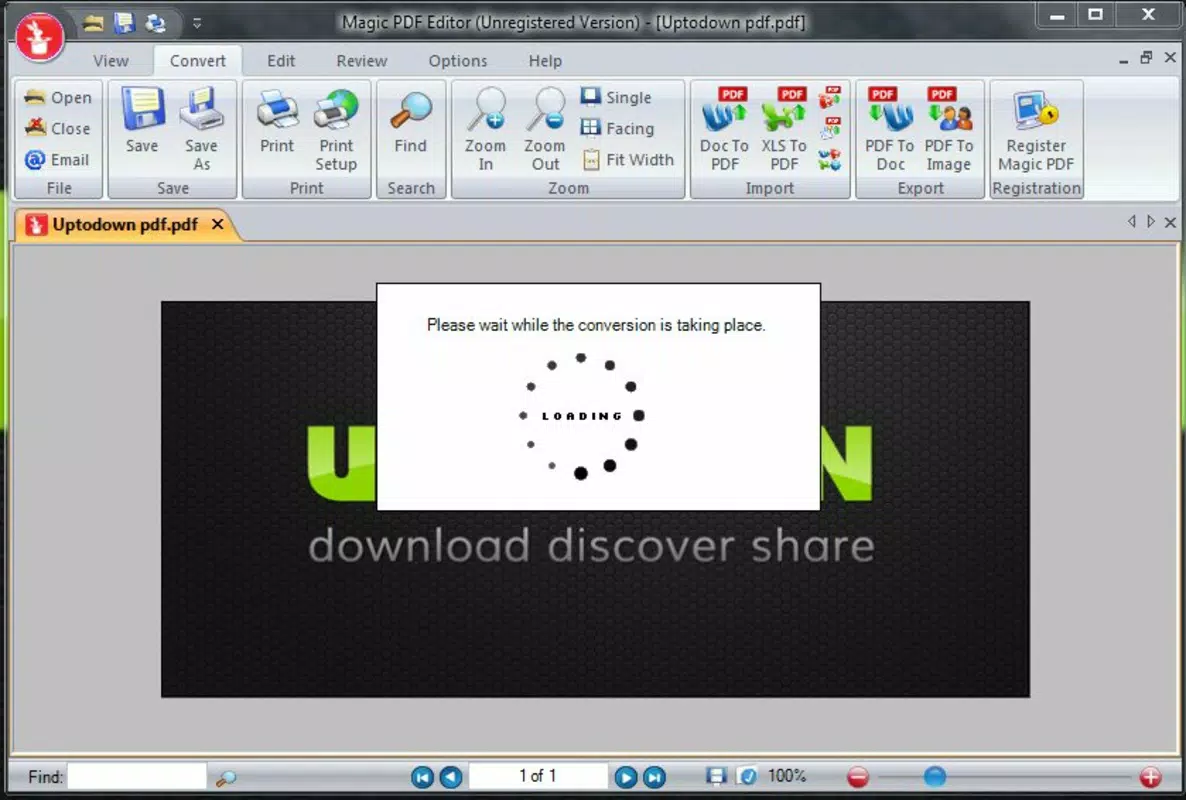
- Conversion Capabilities: Magic PDF Editor enables conversion between PDF and several formats, including Word, JPG, TIFF, and PNG. It also allows users to convert any printable document into a PDF, enhancing flexibility across workflows.
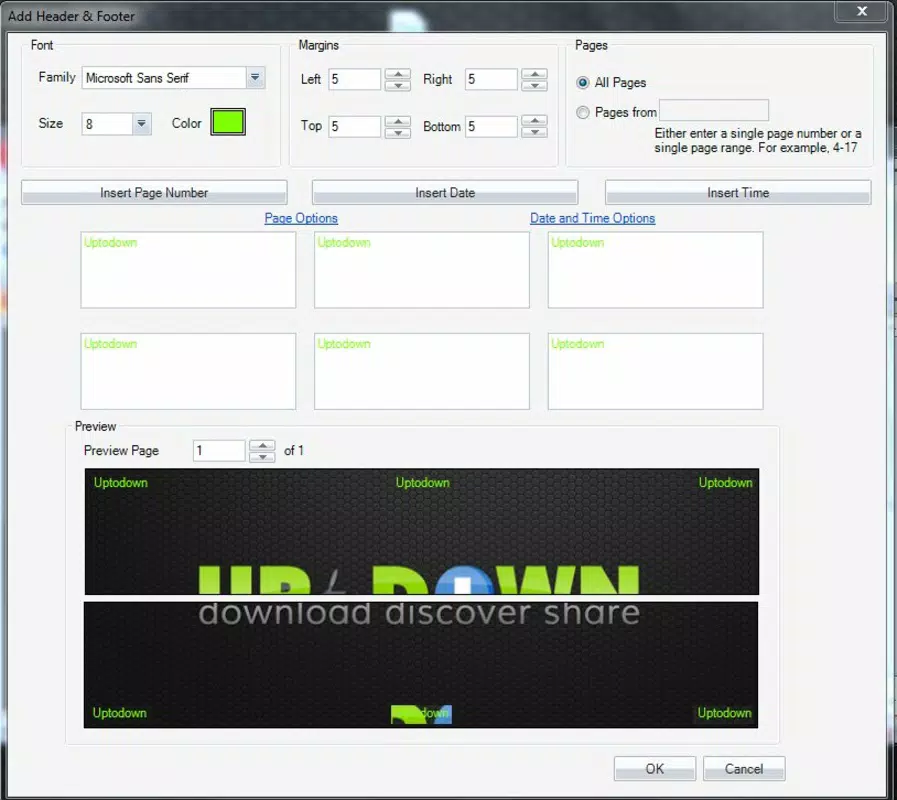
- Page Management Tools: Advanced tools let users delete, extract, replace, combine, or split pages. Additional control over bookmarks, hyperlinks, headers, footers, and watermarks supports professional-grade customization.
- Image Handling Features: Users can insert, resize, and reposition images within documents. This functionality is particularly useful for enhancing visual elements in marketing materials, academic papers, or internal communications.
These features serve real-world needs: a teacher can edit a student’s assignment with comments, a freelancer can merge client documents into one file, and a business user can convert a printed contract into a digital version for sharing. Each function is designed to reduce reliance on desktop software while maintaining document integrity and usability.
Interface, UX & Performance
The user interface of Magic PDF Editor is structured around intuitive navigation, allowing users to access core functions through clearly labeled menus and toolbars. The visual style prioritizes clarity, with a clean layout that minimizes clutter and emphasizes functionality. Users can expect a logical flow when performing tasks such as opening a file, editing content, or exporting to another format.
Navigation is straightforward, with consistent placement of key tools across screens. The app responds promptly to user input, maintaining smooth performance during editing and conversion tasks. Although the developer did not list formal performance metrics, the app’s long-standing presence on the platform suggests stability and reliability across various Android device categories.
Responsiveness appears consistent, even when handling moderately sized documents. The app maintains stability during extended use, with no reported crashes or freezes in available user feedback. However, specific requirements were not listed, so compatibility with older or low-memory devices cannot be confirmed.
Platform Compatibility & Technical Requirements
Magic PDF Editor is available exclusively on the Android platform. The current version is 3.1.5, with a file size of 48.2 MB, making it a lightweight download suitable for most modern smartphones and tablets. The app supports the Android operating system, though the developer did not specify minimum OS requirements or device compatibility details. This lack of formal documentation means users should ensure their device meets general Android standards for running productivity applications.
Given the app’s release date of June 7, 2013, it has undergone multiple updates over the years, indicating continued support. The file size remains relatively small, which suggests efficient code usage and minimal storage impact. Users seeking to install or update the app should verify their device’s compatibility with the latest Android versions, though no explicit restrictions were provided by the developer.
Pros and Cons
Pros
- Intuitive interface designed for easy navigation and quick access to core features.
- Supports editing of protected PDFs, a rare and valuable capability on mobile platforms.
- Offers comprehensive tools for document creation, conversion, and page management.
- Lightweight file size (48.2 MB) ensures fast installation and minimal storage usage.
- Enables users to work with multiple file types and convert them into PDFs seamlessly.
Cons
- Specific system requirements and compatibility details were not disclosed by the developer.
- Price point of $4.99 may be considered high for a mobile utility without a free trial.
- No information on automatic updates or cloud sync features was provided.
- Support for iOS or other platforms was not mentioned, limiting cross-device access.
- Advanced features like OCR or batch processing were not listed, potentially limiting professional use cases.
FAQ
Is Magic PDF Editor available for iOS devices?
The app is currently only available on Android. The developer did not indicate plans for iOS release.
Can I edit protected PDFs with this app?
Yes, Magic PDF Editor is designed to allow editing of protected PDFs, a feature that enhances its utility for users dealing with restricted documents.
How do I update Magic PDF Editor?
Updates are typically delivered through the Google Play Store. Users should ensure their app store is set to auto-update or manually check for updates.
Is the app secure to use?
As a mobile app from a known developer, Magic PDF Editor is considered secure. However, users should only download it from official sources to avoid risks.
Can I convert documents to PDF from any app?
Yes, the app supports converting any printable document into a PDF format, allowing users to generate PDFs from various sources.
Final Thoughts
Magic PDF Editor stands out as a reliable and feature-rich tool for mobile users who need to manage PDFs efficiently. Its ability to edit protected files, combine documents, and convert between formats makes it a practical choice for students, professionals, and anyone handling digital paperwork on the go. While the absence of detailed system requirements and cross-platform availability may be limiting, the app’s core functionality remains strong and well-executed.
For those seeking a secure, lightweight, and capable PDF solution on Android, Magic PDF Editor delivers tangible value. The $4.99 price is justified by its comprehensive feature set and long-term reliability. Whether you're editing a report, assembling a presentation, or converting a contract, this app streamlines the process with minimal friction.
Download Magic PDF Editor now


